
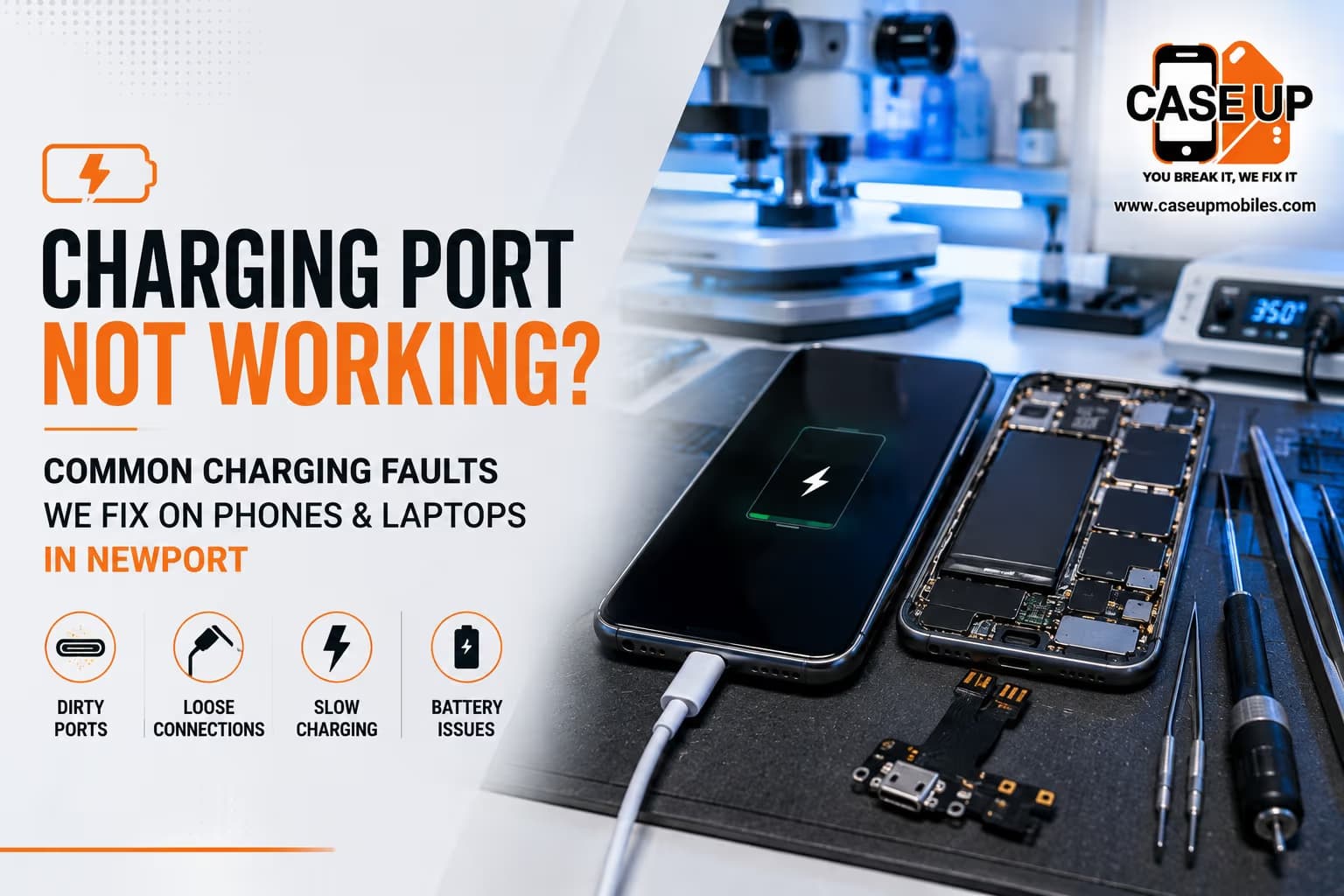
A charging fault rarely announces itself. One evening you plug the phone in and it charges normally. The next morning it is on 3% because the cable disconnected sometime in the night. A week later it only charges if you angle the cable just right. A month after that, it will not charge at all.
The frustrating thing about charging problems is that the symptoms often look the same across very different underlying faults. A slow charge could be a worn cable, a bent USB-C port, a failing battery, a software issue, or a combination. Without walking through the symptoms systematically, most people replace the cable, then the charger, then the phone, when the actual fix was much smaller.
This is the guide we wish every Newport local read before booking a repair. It runs through the six symptoms we see most often, what each one usually means, and where phone and laptop faults diverge. At the end you will have a much clearer idea of whether the fix is a five-minute clean, a port replacement, or a battery issue in disguise.
First, Understand What "Charging" Actually Involves
Plugging a cable into a phone and expecting the battery to fill up looks simple. The reality is a small chain of dependencies, and a fault at any point in the chain looks like the same headline problem: "my phone will not charge."
The chain runs like this:
The wall outlet delivers mains power to the adapter
The adapter converts mains to low-voltage DC and negotiates a power delivery rate with the phone
The cable carries that power and negotiation data to the phone
The charging port on the phone (Lightning or USB-C) receives the connection
The charging IC chip on the phone's logic board regulates the power going into the battery
The battery stores the charge, if it is still capable of doing so
A break anywhere in the chain shows up as "charging problem." Diagnosing which link is broken is the whole job.
Laptops follow the same pattern with slightly different components. The wall charger is bulkier, the port may be USB-C, barrel jack, or MagSafe, and the battery is a much larger pack, but the diagnostic chain is identical.
Six Charging Symptoms and What Each One Usually Means
Symptom 1: Nothing Happens When You Plug It In
You connect the cable. The battery icon does not appear. There is no vibration, no boot animation, no lightning bolt overlay.
The most common causes, in order of likelihood:
Dead cable or dead adapter (try a different set to rule it out)
Charging port blocked by lint and pocket debris
Bent pin inside the charging port
Charging port has come loose from the flex cable inside the phone
Battery has failed completely and cannot even display a charging indicator
The first check is almost always the cheapest. Swap the cable, swap the adapter, plug directly into a wall outlet rather than a laptop or extension. If a fresh cable and adapter combination does the same thing on a different phone, you have ruled out both.
If the cable and adapter are fine on other devices, the port itself is your next suspect. See the DIY cleaning section below before jumping to a repair booking.
Symptom 2: It Only Charges When You Wiggle or Hold the Cable at an Angle
This is the classic loose-port symptom. Inside the phone, the small metal contacts of the USB-C or Lightning port are anchored to a flex cable, which in turn connects to the logic board. Repeated pushing and pulling of cables over months and years fatigues that anchor point. Eventually the port sits looser than it should, and the cable only makes reliable contact if you press it upward, downward, or off to one side.
The temporary fix is exactly what everyone does: wedge the phone at an angle, prop it against a book, tell yourself you will book a repair next week.
The proper fix is a charging port replacement. It is a common job. The port and its flex assembly are removed, the connectors on the logic board are cleaned, and a new port is fitted. Same-day turnaround at our Newport shop for most models.
Do not delay this fix if it is progressing. Every day the loose port continues to be pushed and pulled by the cable, the metal contacts wear further. What is a port swap now can escalate to a board-level repair later if the solder pads under the port lift.
Symptom 3: Charging Is Painfully Slow
Slow charging is the most misdiagnosed of all charging faults. There are at least six things it could be, and it is rare that only one of them is contributing.
The cable. Cheap cables are made to a lower data and power specification than the port on your phone can accept. A modern phone that supports 25W or 30W fast charging plugged into a £2 cable from a corner shop will crawl.
The adapter. Same principle. If you are using a 5W adapter that came free with a household appliance, you are limited to that 5W regardless of what your phone can accept.
The USB port you plug into. Charging from a laptop USB-A port delivers a fraction of what a wall adapter can. Charging from a car USB port similarly caps below a good wall charger.
The charging port on the phone. Lint, dust, and grit inside the port block full contact. Even a small amount of debris drops charging speed noticeably. See the safe cleaning method below.
The battery health. A degraded battery accepts charge more slowly, even when everything upstream is healthy. If your phone is more than two years old and no other explanation fits, the battery is the likely suspect. On iPhones, the story of a slow-charging phone is usually a battery story. Our detailed post on iPhone battery draining fast and when it needs replacing covers the exact battery health thresholds where replacement makes sense.
Software. Occasionally a system update, a rogue background app, or an incorrect fast-charging setting will throttle charging. A restart, a clear of background processes, and a check of the battery settings menu handles this.
The diagnostic order should always be: swap the cable and adapter first. Clean the port second. Check the battery health third. Only after those three have been ruled out does port hardware come into the frame.
Symptom 4: The Phone or Laptop Overheats While Charging
A device that becomes uncomfortably warm during charging is telling you something specific. Some warmth is normal. Actual heat, where the device is hot to hold, is a warning.
Possible causes:
Fast charging is doing its job, and the device is sitting on a bed or in direct sunlight, blocking heat dissipation
The battery is degraded and generating internal heat as it charges
A background process (bad app, malware, runaway sync) is using the CPU heavily
A short in the charging IC or the port itself is drawing more current than it should
The wall adapter is faulty and delivering power outside spec
Overheating during charging is a symptom you should not ignore. A hot battery is a stressed battery. If it becomes routine, book a diagnostic. If the device is ever too hot to hold safely, unplug it immediately and stop using it until it has been checked.
Symptom 5: You See a "Liquid Detected" Warning
This warning appears on iPhones and some Android devices when moisture is sensed inside the charging port. Even if you have not dropped the phone in water, humidity, sweat from a workout, or a rainy walk across Newport town centre can trigger it.
The correct response is:
Do not use fast charging or wireless charging until the warning clears
Do not force the cable in and try to charge anyway
Leave the phone port-side down on a dry surface for a few hours
Do not put the phone in rice (this is myth, not fix)
Check the port for visible debris or moisture
If the warning does not clear after a full day and the phone will not charge normally, you have moisture beyond what will evaporate. That means water has reached the port pins and possibly the flex cable underneath. It also strongly suggests that the water resistance rating on the phone has been compromised at some point, either through age, a previous repair, or a hairline fracture.
At that point, professional attention becomes worthwhile. A dry port that will not charge means the port itself has corroded, and the phone needs cleaning under a microscope and probably a port replacement.
Symptom 6: Battery Percentage Drops Even While Plugged In
The phone shows the charging icon. The battery percentage does not go up. Sometimes it goes down.
Causes:
The adapter is not delivering enough current to keep up with what the phone is using (common when playing games or streaming video while plugged in)
The cable or port has intermittent contact and the phone is being discharged more than charged
The battery is severely degraded and can no longer hold charge
The charging IC on the logic board has failed
The order of checks is the same. Swap cable and adapter first. Clean the port. Test with the phone screen off, not being used. If it still discharges while plugged in and idle, the fault is inside the phone, and you need a professional diagnostic.
Phone Charging Faults: What We See Most in Newport
iPhone Lightning and USB-C Ports
iPhones through iPhone 14 use Lightning. iPhone 15 onward moved to USB-C. Both share the same core failure modes: worn contacts, bent pins, lint accumulation, and flex cable damage.
Lightning ports are particularly prone to lint packing behind the pins because the connector shape effectively pushes any debris deep into the port each time the cable is inserted. A five-minute clean often resolves what feels like a serious fault. Our full iPhone repair service page covers charging port replacement pricing and turnaround for every model still in circulation.
USB-C ports on iPhone 15 and iPhone 16 are physically more robust but not immune to the same issues. Fast charging at 20W to 30W puts sustained thermal load on the port, and a compromised connection can now flag as either a slow charge or as a full-blown port fault.
Samsung Galaxy USB-C Ports
Samsung has used USB-C since the Galaxy S8 in 2017. Most charging faults on Galaxy devices come down to three causes:
Worn contact pins after years of use (S10, S20, S21 era)
Damage from wireless carriers charging pucks or in-car chargers pushing the cable at odd angles
Liquid exposure at the port on IP-rated devices where the seal has degraded
Our Samsung Galaxy repair service in Newport covers Galaxy S, Note, A, and Z series, with correct-grade USB-C port assemblies for each model.
Google Pixel USB-C Ports
Pixel phones from Pixel 6 onward have a well-documented tendency toward USB-C port issues after 18 to 24 months of daily use. The port itself is fine, but the flex cable that connects it to the logic board flexes with every insertion, and over time it develops microfractures in the copper traces.
The fix is a port and flex assembly replacement. Our Google Pixel repair service handles this for every Pixel model from the Pixel 4 onward.
Laptop Charging Faults: A Different Beast
Laptop charging problems share the same diagnostic chain, but with meaningfully different failure modes.
Loose or Wobbly DC Jack
The barrel-jack style DC socket used on many Windows laptops is soldered directly to the motherboard. Repeated insertion, or a tug on the cable, fatigues the solder joints. Over time the jack becomes wobbly, then intermittent, then dead.
This is often the first sign of a bigger problem. If left, the wobble progresses to lifted solder pads on the motherboard, which is a much more expensive fix than the original jack replacement would have been. The moment your laptop only charges at a specific angle, that is your booking cue.
Charger Delivering the Wrong Wattage
Modern laptops negotiate charging over USB-C using the USB Power Delivery protocol. If you have replaced a lost charger with a generic USB-C brick, and it does not support enough wattage, the laptop will report "plugged in, not charging" or will charge only when powered off.
Check the wattage on your original charger, then compare to any replacement. A 65W laptop needs at least a 65W USB-C PD charger. A 90W laptop needs 90W. Undersized chargers are a common Newport call-in.
Battery Health Has Dropped Below Usable
Laptop batteries measure their own health and report it to the operating system. On Windows, powercfg /batteryreport in a command prompt generates a full battery health report. On macOS, System Report > Power shows cycle count and condition.
A battery that has crossed the 20% health threshold, or has more than 1,000 charge cycles, will show intermittent charging behaviour, sudden shutdowns, and refusal to accept a full charge. Replacement is the fix.
Windows or macOS Reports "Plugged In, Not Charging"
This state means the OS sees the charger but the battery is not accepting charge. Causes:
Battery driver corrupted (fix: Device Manager > Batteries > uninstall Microsoft AC Adapter driver, then reboot)
Battery calibration drift (fix: full discharge to 0%, then full charge to 100% without interruption)
Battery genuinely dead
Charging IC on the motherboard has failed
The driver fix is a five-minute check that resolves a surprising number of cases. If it does not, and the calibration cycle does not either, the fault is hardware. Our laptop repair service in Newport covers battery replacements, DC jack repairs, and motherboard-level charging IC work.
For MacBook specifically, the failure patterns are different again. MagSafe and USB-C PD charging on modern MacBooks can be affected by port debris, but more often the underlying issue is battery degradation. If your MacBook is running slow alongside charging issues, that is often a battery health warning in disguise. Our detailed post on MacBook running slow and battery dying in Newport walks through the exact diagnostic path.
Game Console Charging Faults
Charging issues extend beyond phones and laptops. Wireless controllers for PS5, Xbox Series X, and Nintendo Switch have their own charging port failures, often after 12 to 18 months of daily use. If your controller only charges at a specific cable angle, or refuses to charge at all, the same USB-C port replacement process applies. Our PS5, Xbox, and Switch controller repair guide covering stick drift and charging faults covers pricing and turnaround.
Charging Cables and Adapters: The Fault You Can Rule Out in Five Minutes
Before you book any repair, run this test. It costs nothing and eliminates the two most common false alarms.
Grab a known-good cable. Ideally the original one that came with your phone.
Grab a known-good wall adapter. The original one, ideally.
Plug them into a standard wall outlet, not a USB hub or extension.
Plug the phone in and wait five minutes.
If the phone charges normally with this combination, your original cable or adapter was the fault. Job done, cost you nothing.
If the phone still will not charge, the fault is downstream. That is the point at which a Newport repair booking makes sense.
For laptops, the same principle applies. Test with the original charger. If you are using a replacement, verify it delivers the right wattage. Only after both are confirmed working should port or battery hardware be suspected.
Why DIY Charging Port Cleaning Goes Wrong (And How to Do It Safely)
The charging port cleaning myth: blast compressed air into it, poke around with a paperclip.
Reality: compressed air can drive lint deeper. A metal paperclip can short the pins, bend them, or scrape off the gold plating.
Safe method:
Turn the phone off first.
Use a wooden or plastic toothpick, never metal.
Gently sweep along the inside walls of the port, then along the bottom, angling upward. Do not push straight in against the pins.
Tap the phone port-down against a soft surface to shake out the loosened lint.
Try charging again with a known-good cable.
You will be surprised how often this works. Ports fill with pocket lint faster than people expect, especially in the winter months when phones live in coat pockets.
If cleaning does not resolve the issue and cable/adapter swaps have been ruled out, the fault is inside the phone. That is the moment to book a repair.
The Real Repair Process at Case Up Mobiles
When a phone comes in for a charging problem, the process runs like this:
Free diagnostic. No commitment. The technician plugs the phone in, watches the behaviour, and rules out cable/adapter.
Port inspection. Under magnification, the port is checked for lint, bent pins, corrosion, and physical damage.
Software check. Boot into settings, check battery health data, look for OS-level warnings.
Test with known-good workshop cable. Rules out cable as final variable.
Board-level test if the port looks clean but nothing charges. Multimeter across the charging IC to confirm current draw.
At the end of the diagnostic, you get an honest quote. If the fix is a five-minute clean, that is what it is, and there is no charge. If the port needs replacing, you get a fitted price and a turnaround estimate, most jobs same-day. If the fault is board-level, you get an honest assessment of whether the repair is economical for your device.
Every repair carries a 90-day warranty on parts and labour. If the same fault returns within that window, our technicians repair it again at no cost.
Charging Port Repair FAQ
Why does my phone only charge when the cable is bent at an angle?
This is the classic sign of a loose or worn charging port. The internal contacts have fatigued from repeated insertion, and only certain angles create a stable connection. The fix is a charging port replacement, which is a common same-day repair for most phone models at Case Up Mobiles in Newport.
Can a dirty charging port really stop my phone charging?
Yes. Lint and pocket debris pack into the port over time and prevent the cable from making full contact with the pins. Gentle cleaning with a wooden toothpick often resolves what feels like a serious fault. Never use metal or compressed air, which can bend pins or drive debris deeper.
Why does my iPhone show a "Liquid Detected in Lightning Connector" warning?
The iPhone senses moisture in the charging port. It could be from humidity, sweat, rain exposure, or a small liquid contact you may not have noticed. Leave the phone port-side down on a dry surface for several hours. If the warning does not clear, or the phone will not charge afterward, the port may have corroded and needs professional attention.
How long does a charging port replacement take?
For most iPhones, Samsung Galaxy, and Google Pixel models, a charging port replacement is a same-day job at Case Up Mobiles in Newport, usually completed within one to two hours of drop-off. Laptop DC jack replacements typically take longer and may require overnight turnaround depending on model.
Is slow charging a sign of a bad battery or a bad port?
It can be either. Rule out the cable and adapter first, then clean the port, then check battery health. If battery health has dropped below 80% on an iPhone, a slow charge is usually the battery. If health is fine and cleaning does not help, the port or the charging IC is the likely cause.
Can a laptop charging port be repaired without replacing the motherboard?
Usually yes. A wobbly DC jack can be resoldered or replaced without touching the motherboard as long as the solder pads underneath have not lifted. Left too long, however, a loose jack can pull the pads off the board, which is a much more expensive board-level repair. Book the diagnostic early.
Book Your Free Charging Diagnosis in Newport
If your phone, tablet, laptop, or console is refusing to charge properly, the diagnostic itself costs you nothing at Case Up Mobiles. Walk in at 39 Commercial Street, Newport, NP20 1HP, and a technician will run through the diagnostic chain, tell you exactly what the fault is, and give you a fitted price before any work begins.
Free quote, no fix no fee, 90-day warranty on all parts and labour, and same-day turnaround on most jobs. Book your charging repair quote here.