
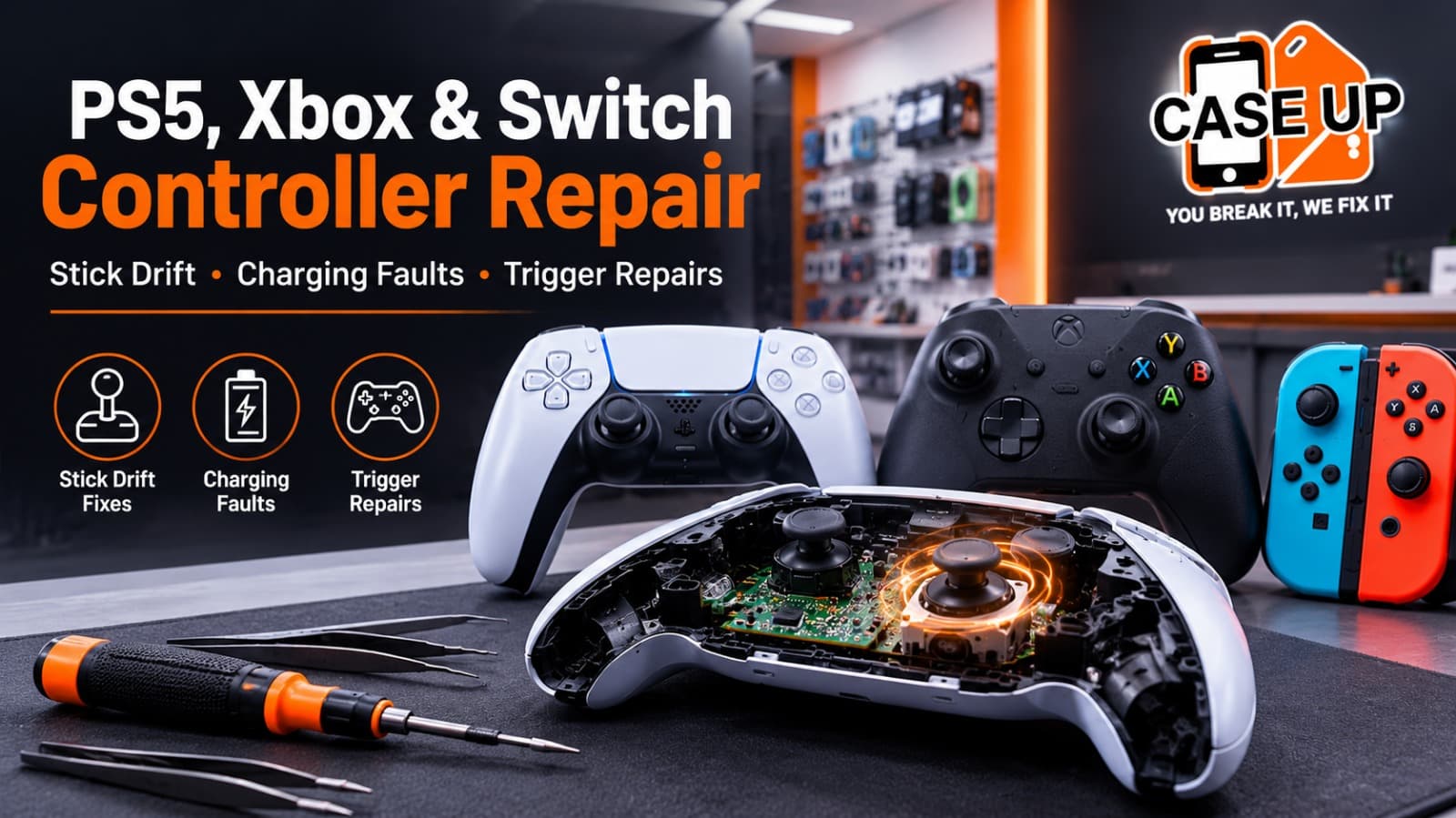
You are mid-match in an online shooter and your character starts walking to the left on their own. You have not touched the stick, but the camera is slowly drifting sideways, ruining your aim and costing you the round. Or maybe your PS5 DualSense will not charge at all, your Xbox controller's triggers feel mushy and unresponsive, or your Nintendo Switch Joy-Con has developed that infamous sideways drift that makes menu navigation a guessing game.
Controller problems are among the most frustrating issues for gamers, because they directly affect the one piece of hardware you are physically holding during every session. And modern controllers are not cheap. A PS5 DualSense costs approximately £60 to £70. An Xbox Wireless Controller runs £50 to £60. A DualSense Edge is around £200. Joy-Cons are £60 to £75 for a pair. Replacing a controller every time it develops a fault is an expensive habit, especially when most common issues can be professionally repaired for a fraction of the replacement cost.
At Case Up Mobiles, we repair PS5, Xbox, and Nintendo Switch controllers at our Newport shop. Controller repairs start from £39, and most fixes are completed the same day. Every repair comes with a free quote, a 90-day warranty, and our no fix, no fee guarantee.
This guide covers the most common controller problems across all three major platforms, explains what causes them, gives you honest troubleshooting steps to try at home, and tells you when professional repair is the right call.
Stick Drift: The Most Common Controller Problem in Gaming
Stick drift is the single most widespread controller fault across PS5, Xbox, and Nintendo Switch. It is so common that Sony, Microsoft, and Nintendo have all faced legal scrutiny over it. But what actually causes it?
What Is Stick Drift?
Stick drift occurs when the analog stick registers movement even though you are not touching it. Your in-game character moves on their own, the camera pans without input, or menus scroll continuously. It can range from a slight, intermittent nudge to a persistent, aggressive pull in one direction.
What Causes Stick Drift?
Inside every analog stick is a small sensor module (called a potentiometer on most controllers) that tracks the stick's position. This sensor makes microscopic contact measurements thousands of times per second to determine exactly where the stick is positioned.
Over time, the contact surfaces inside the sensor wear down. This is a mechanical inevitability: any component with moving parts that are used frequently will eventually degrade. The rate of wear depends on how heavily the controller is used, how much force is applied to the sticks, and whether dust or debris has entered the mechanism.
Dust is a significant contributor. Gaming setups accumulate dust regardless of how clean the room is, and fine particles work their way through the gaps around the stick shaft and into the sensor mechanism. Once inside, they interfere with the sensor's ability to read the stick position accurately, creating the "drift" effect.
Heat also plays a role. Long gaming sessions generate heat inside the controller, and repeated heating and cooling cycles gradually affect the precision of the sensor components.
Does Stick Drift Affect All Controllers?
Yes. Stick drift is not exclusive to any single brand or platform.
PS5 DualSense: The DualSense uses Alps brand potentiometer modules. These are industry-standard components, but they are susceptible to the same wear-based drift as any other potentiometer-based design.
Xbox Wireless Controller: Microsoft's controllers use similar potentiometer technology and are equally prone to drift over time.
Nintendo Switch Joy-Con: Joy-Con drift is arguably the most publicised example, with Nintendo facing class-action lawsuits in multiple countries. The compact design of the Joy-Con makes its analog stick particularly vulnerable to dust ingress.
PS5 DualSense Edge and Xbox Elite: Even premium controllers costing £150 to £200 are not immune. The potentiometer technology is the same; the premium price covers additional features, not drift-proof engineering.
Can I Fix Stick Drift at Home?
There are a few things worth trying before seeking professional repair.
Calibration reset. On PS5, go to Settings, Accessories, Controllers, and reset the controller. On Xbox, use the Xbox Accessories app to recalibrate. On Switch, go to System Settings, Controllers and Sensors, Calibrate Control Sticks. This can sometimes resolve minor drift caused by software calibration errors, but it will not fix mechanical wear.
Compressed air cleaning. Gently blowing compressed air around the base of the analog stick can dislodge loose dust particles. Use short bursts and hold the can upright to avoid spraying liquid propellant into the controller.
Contact cleaner. Applying a small amount of electrical contact cleaner (such as WD-40 Contact Cleaner or DeoxIT) around the base of the stick can temporarily resolve drift caused by oxidation on the sensor contacts. This is a temporary fix, not a permanent solution.
When to Get Professional Stick Drift Repair
If calibration, compressed air, and contact cleaner do not resolve the drift, the potentiometer module itself is worn out and needs replacing. This requires opening the controller, desoldering the faulty module, installing a new one, and recalibrating the stick.
At Case Up Mobiles, controller stick drift repair starts from £39. We replace the faulty analog stick module with a quality replacement, test the repair thoroughly, and return the controller ready for play. Most stick drift repairs are completed the same day.
Hall Effect Joystick Upgrades
For gamers who want a permanent solution to stick drift, Hall Effect joystick upgrades are worth considering. Unlike traditional potentiometer-based sticks, Hall Effect sensors use magnetic fields to track stick position. Because there is no physical contact between moving parts, they cannot develop the wear-based drift that affects conventional sticks.
Ask about Hall Effect upgrade availability when you bring your controller to Case Up Mobiles.
PS5 DualSense: Common Problems and Repairs
The DualSense is an impressive piece of technology, with adaptive triggers, haptic feedback, a built-in microphone, and a touchpad. But all that complexity means more components that can fail.
Adaptive Trigger Problems
The adaptive triggers on the DualSense use small motors and gears to create resistance feedback during gameplay. Over time, these internal gears can wear, crack, or strip, causing the trigger to feel loose, click abnormally, or stop providing resistance feedback entirely.
Symptoms: Trigger feels floppy or has no resistance, trigger makes a grinding or clicking noise, trigger gets stuck or does not spring back, adaptive trigger feature works on one side but not the other.
Repair: Trigger mechanism repair or replacement. At Case Up Mobiles, we can repair or replace damaged trigger assemblies and restore full adaptive trigger functionality.
DualSense Not Charging
If your PS5 controller will not charge, the most common cause is a faulty USB-C charging port. The USB-C connector on the DualSense endures frequent plugging and unplugging, and over time the internal pins can bend, break, or accumulate debris that prevents a proper connection.
What to try at home: Inspect the USB-C port for visible lint or debris. Gently clean it with a wooden toothpick (not metal, which can damage the pins). Try a different USB-C cable and a different power source.
When to seek professional repair: If the port is physically damaged (loose, wobbly, or visibly bent), it needs replacement. USB-C port replacement on a DualSense controller is a common repair at Case Up Mobiles.
DualSense Buttons Not Responding
Face buttons (Cross, Circle, Square, Triangle) or the D-pad that stop registering presses can be caused by worn rubber contact pads, debris beneath the buttons, or a damaged button ribbon cable.
DualSense Battery Life Issues
A DualSense battery that barely lasts a couple of hours may need replacing. Controller batteries degrade over time, especially with heavy daily use. Battery replacement restores the full eight-hour runtime the controller was designed to deliver.
Xbox Controller: Common Problems and Repairs
Xbox Controller Stick Drift
Xbox controllers use the same type of potentiometer sensors as the DualSense and are equally prone to drift. The repair process is the same: the worn module is replaced with a new one, and the stick is recalibrated.
Xbox Controller Not Connecting or Syncing
If your Xbox controller will not connect to the console, PC, or mobile device, the issue may be the Bluetooth or wireless module, a firmware problem, or (on battery-powered controllers) corroded battery contacts.
What to try at home: Update the controller firmware using the Xbox Accessories app. Reset the controller by holding the sync button for 15 seconds. Try connecting with a USB cable to rule out wireless issues. Check the battery compartment for corrosion (white or green residue on the metal contacts).
When to seek professional repair: If the controller connects via cable but not wirelessly, the Bluetooth/wireless module may be faulty. If the battery contacts are corroded, they can be cleaned or replaced professionally.
Xbox Bumper and Trigger Problems
The LB and RB bumpers on Xbox controllers are a known weak point. They are plastic components that endure significant repeated force, and they can crack, snap, or become unresponsive over time. Trigger issues (sticking, not springing back, or not registering full press) are also common.
Xbox Elite Controller Issues
The Xbox Elite Series 2 controller (approximately £150 to £170) suffers from its own set of problems, including bumper failure, grip peeling, sticky A button, and stick drift. Given the premium price, repair is almost always the better option compared to replacement.
Nintendo Switch Joy-Con: Common Problems and Repairs
Joy-Con Drift
Joy-Con drift is the most infamous controller problem in gaming. The compact analog stick mechanism in the Joy-Con is particularly susceptible to dust ingress and sensor wear due to its small size and the portable nature of the Switch (which exposes the controllers to more varied environments than a stationary console controller).
Nintendo has acknowledged the issue and offers free Joy-Con repairs in some regions, but the service is often slow (requiring mail-in, with turnaround times of two to four weeks). A local repair at Case Up Mobiles is typically faster and equally effective.
Joy-Con Not Connecting to the Switch
Joy-Cons communicate with the Switch via Bluetooth. If a Joy-Con will not connect when attached to the console rails, the metal rail contacts may be dirty or damaged. If it will not connect wirelessly, the Bluetooth antenna inside the Joy-Con may have come loose.
Joy-Con Button and Latch Problems
The small buttons on the Joy-Con (particularly the shoulder buttons SL and SR) can stop responding due to worn contacts. The rail latch mechanism can also wear out, causing the Joy-Con to slide off the console during handheld play.
Console Hardware Problems: Beyond Controllers
While controllers are the focus of this guide, Case Up Mobiles also repairs the consoles themselves. Here are the most common console hardware faults we fix in Newport.
PS5 HDMI Port Repair
A damaged HDMI port is one of the most common PS5 hardware faults. Symptoms include no display output, flickering image, distorted colours, or intermittent signal loss. The HDMI port on the PS5 can be damaged by rough cable insertion, accidental yanking of the HDMI cable, or simply wear over time.
HDMI port replacement on a PS5 starts from £59 at Case Up Mobiles. This is a board-level repair that requires precision soldering, and it is significantly cheaper than buying a new console.
Disc Drive Problems
If your PS5 or Xbox Series X will not read discs, ejects discs automatically, or makes loud grinding or clicking noises when a disc is inserted, the disc drive mechanism may need repair or replacement.
Disc drive repairs start from £69 at Case Up Mobiles.
Console Overheating
Both PS5 and Xbox Series X can suffer from overheating if dust accumulates inside the console and blocks the cooling system. Symptoms include loud fan noise, performance throttling (frame rate drops and stuttering), and unexpected shutdowns. A professional thermal cleaning resolves this issue.
Nintendo Switch Screen Repair
The Switch's 6.2-inch (original) or 7-inch (OLED) screen is vulnerable to cracks, scratches, and digitiser failure. Screen replacement restores the display to full functionality.
DIY Controller Repair: Why We Do Not Recommend It
YouTube is full of controller repair tutorials, and replacement parts are available on sites like Amazon and eBay for a few pounds. But there are several reasons to think carefully before attempting a DIY fix.
Delicate internal components. Modern controllers contain tiny ribbon cables, fragile clip-on connectors, and soldered components. Damaging any of these during disassembly can turn a simple repair into a total write-off.
Cheap parts fail quickly. The analog stick modules and trigger mechanisms sold cheaply online are often low-quality imitations. They may work initially but can fail within weeks, requiring the controller to be opened again. Quality parts cost more but provide lasting repairs.
Soldering requirements. Replacing analog stick modules on PS5 and Xbox controllers typically requires desoldering the old module and soldering a new one. This is not a plug-and-play process. Without proper soldering equipment and experience, the circuit board can be permanently damaged.
Calibration. Even if the hardware swap is successful, the stick may need calibration that is not available through consumer-facing software. Professional repair shops use diagnostic tools to verify accurate response across the full range of stick movement.
Static electricity. Electronic components are sensitive to electrostatic discharge. Professional repair environments use anti-static mats and wrist straps to prevent this. Home repairs often do not, increasing the risk of invisible damage to the circuit board.
A professional controller repair at Case Up Mobiles costs from £39, which is substantially less than the £60 to £200 cost of replacing the controller entirely. The small investment in professional repair saves money and prevents the risk of making things worse.
How Much Does Controller Repair Cost?
Here is a summary of typical UK controller repair pricing in 2026.
Case Up Mobiles (Newport)
Controller repair: from £39
PS5 HDMI port repair: from £59
Disc drive repair: from £69
UK Average (Independent Repair Shops)
Stick drift repair (PS5/Xbox): £35 to £60
Trigger repair: £30 to £55
USB-C port replacement: £30 to £50
Battery replacement: £25 to £45
Joy-Con repair (per unit): £25 to £45
Replacement Controller Cost
PS5 DualSense: approximately £60 to £70
PS5 DualSense Edge: approximately £200
Xbox Wireless Controller: approximately £50 to £60
Xbox Elite Series 2: approximately £150 to £170
Nintendo Joy-Con pair: approximately £60 to £75
The maths is clear: for most common faults, professional repair costs less than half the price of a new controller. For premium controllers like the DualSense Edge or Xbox Elite, the saving is even more significant.
How to Make Your Controllers Last Longer
A few simple habits can significantly extend the life of your controllers.
Store controllers properly. When not in use, keep controllers in a clean, dry place, ideally in a case or drawer. Leaving them on the sofa, the floor, or next to food and drinks increases exposure to dust, moisture, and accidental damage.
Clean regularly. Wipe controllers down with a dry microfibre cloth after use. Use compressed air around the analog sticks and buttons every few weeks to prevent dust buildup.
Be gentle with the sticks. Pressing too hard or flicking the sticks aggressively accelerates wear on the internal sensors. Controlled, deliberate movements extend sensor life.
Use the charging cable carefully. Plugging and unplugging the USB-C cable roughly is one of the most common causes of charging port damage. Insert the connector straight, without force, and do not yank the cable out at an angle.
Avoid eating while gaming. Crumbs and sticky residue from food are among the worst things for controller buttons and analog sticks. Keep snacks at arm's length from the controller.
Frequently Asked Questions
How much does PS5 controller repair cost in Newport?
Controller repairs at Case Up Mobiles start from £39. The exact cost depends on the fault (stick drift, trigger repair, charging port, battery replacement). Every repair begins with a free quote.
Can stick drift be permanently fixed?
Yes. Replacing the worn potentiometer module resolves stick drift for the lifespan of the new component. For a permanent, drift-proof solution, Hall Effect joystick upgrades use contactless magnetic sensors that cannot develop wear-based drift.
How long does a controller repair take?
Most controller repairs at Case Up Mobiles are completed the same day, often within one to two hours. Walk-ins are welcome.
Do you repair Xbox Elite and PS5 Edge controllers?
Yes. We repair all controller types, including premium models like the DualSense Edge and Xbox Elite Series 2. Given the high replacement cost of these controllers (£150 to £200), repair is almost always the better financial option.
Can you fix a PS5 console that has no display output?
Yes. HDMI port repair is one of our most common console fixes, starting from £59. This is a board-level soldering repair that restores full display output.
Do you repair Nintendo Switch consoles and Joy-Cons?
Yes. We repair Joy-Con drift, button faults, charging issues, and Switch screen damage. We also handle console-level repairs such as charging port replacement and dock connectivity issues.
Is it worth repairing a controller or should I just buy a new one?
For standard controllers (£50 to £70), repair is worth it if the cost is under half the replacement price. For premium controllers (£150 to £200), repair is almost always the smarter choice. Our no fix, no fee policy means you never pay if the repair is not successful.
Get Your Controller Fixed at Case Up Mobiles
Do not let stick drift, faulty triggers, or a dead charging port take you out of the game. Bring your controller to Case Up Mobiles, 39 Commercial Street, Newport NP20 1HP, and get back to playing.
With over 1,000 satisfied customers, a 4.7-star rating from 300+ Google reviews, and a 90-day warranty on every repair, you are in safe hands.
We also repair the consoles themselves, including PS5 HDMI ports, disc drives, and more.
Call 01633 549755, book online, or walk in today.